
Step 1
Configure the business
Stores, POS configs, products, taxes, staff, floors, tables, and devices are managed from the web backoffice.
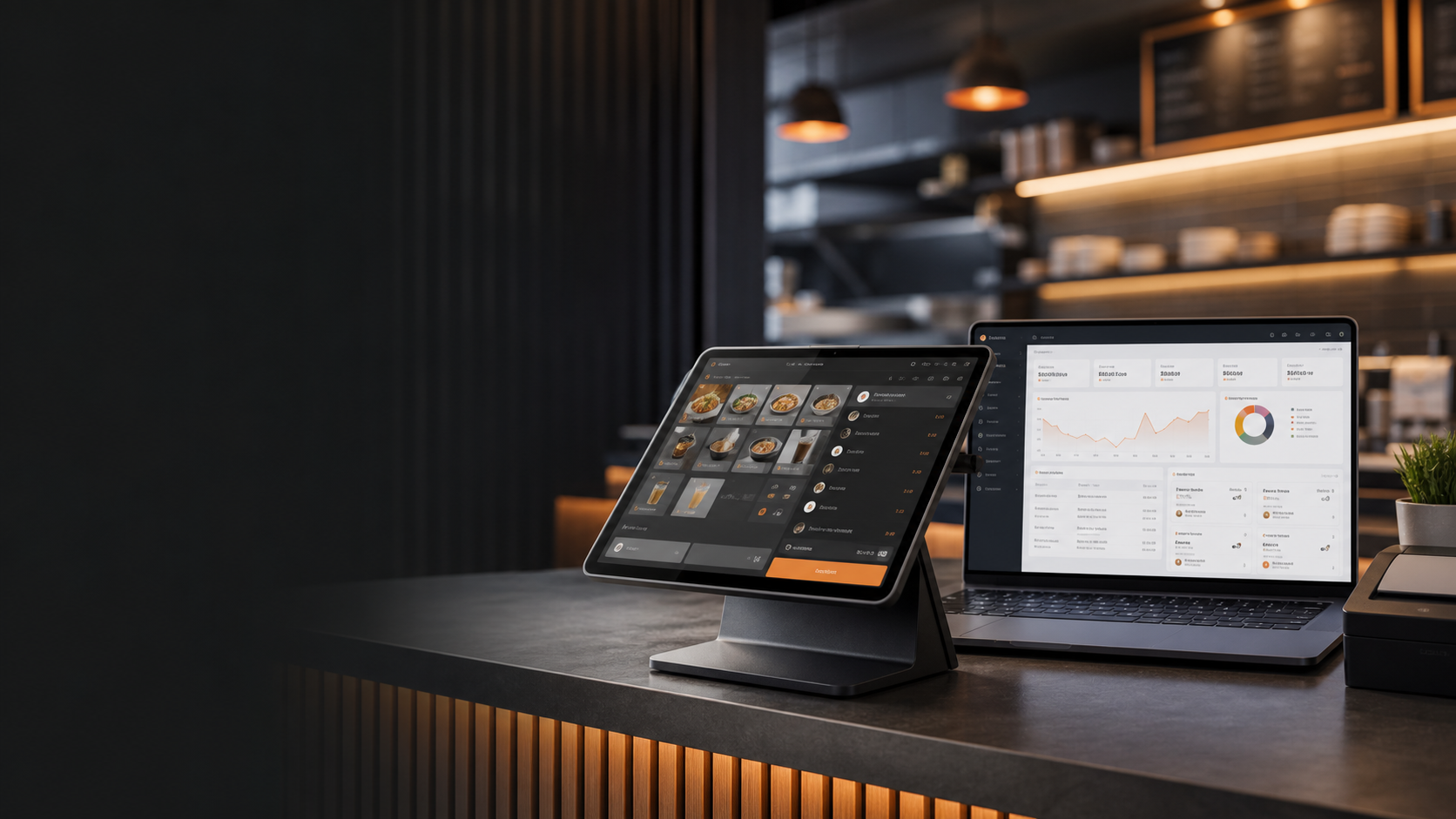
Restaurant POS and backoffice software
A front-to-back operating platform for restaurants, cafes, food trucks, and small retail teams running Android POS and web backoffice workflows.
What it is
The public pages now follow the pattern common to leading POS products: show the operating system first, clarify the front-of-house and backoffice split, and make the most important workflows scannable.
Operating model
The experience mirrors the strongest pattern across modern POS systems: fast store operation on dedicated devices, with an owner-grade management console behind it.
Stores, POS configs, products, taxes, staff, floors, tables, and devices are managed from the web backoffice.
Android POS devices use synchronized configuration for checkout, shifts, receipts, tables, and kitchen tickets.
Orders, refunds, shifts, receipt jobs, KDS state, inventory effects, and device logs flow back to management views.
Managers monitor reports, stock movement, user access, audit logs, and multi-store readiness from one workspace.
Key benefits
ChronosPOS presents the capabilities buyers expect to see first: the register experience, management controls, locations, devices, and operational visibility.
Store teams run orders, shifts, receipts, table service, and kitchen workflows on Android tablets.
Managers keep products, stores, users, devices, reporting, inventory, and manufacturing records organized.
Tenant, store, staff, and device records are scoped for businesses operating more than one location.
Admin changes, sync activity, order states, and device health are visible from management surfaces.
Feature highlights
The product surface now groups capabilities the way operators evaluate POS platforms: sales, catalog, inventory, staff, devices, and store operations.
Review sales activity, order history, shift results, and operating trends from the Backoffice.
Maintain products, categories, modifiers, taxes, pricelists, and tender method records.
Support stock, transfers, receiving, replenishment, wastage, BOM, and production workflows.
Administer business users, POS staff, device enrollment, and store-scoped access.
The login area is for businesses using ChronosPOS to administer stores, staff, products, devices, and operational reporting.